Welding skills platform · Honest AI feedback
From your first bead to your next qualification.
ArcForge turns practice into progress for welders at every stage — structured lessons and AI-assisted photo feedback for learners, a searchable weld log and qualification tracking for working pros, and class, review, and verification tools for the instructors, schools, and shops who train and hire them.
- 23 learning categories of original content
- AI photo feedback on the welds you actually run
- Weld log, qualification tracking & Skills Passport
- Class, review & verification tools for instructors & shops
AI feedback is educational — it never replaces an instructor or a qualified inspector.
The ArcForge loop
A practice cycle, not a pile of videos
Ten deliberate steps connect what you study to what you weld — and close the loop with feedback you can act on the same day.
- Step 01
Learn the concept
Work through a short, focused lesson — one technique or defect at a time.
- Step 02
Check understanding
A quick knowledge check confirms the idea stuck before you strike an arc.
- Step 03
Set an objective
Pick one thing to improve this session, like toe blending or travel speed.
- Step 04
Practice in the booth
Run beads with that single objective in mind. Quality reps over quantity.
- Step 05
Photograph the weld
Capture a clear photo with guided framing and lighting tips.
- Step 06
Add the details
Process, joint, position, material, and settings — context sharpens feedback.
- Step 07
Get structured feedback
An educational AI review: strengths, possible concerns, and a practice score.
- Step 08
Review it yourself
Compare the findings against your own eyes — and your instructor’s.
- Step 09
Run the drill
Each result suggests a targeted drill aimed at your weakest category.
- Step 10
Re-shoot and compare
Analyze the next attempt, compare side by side, and watch the trend move.
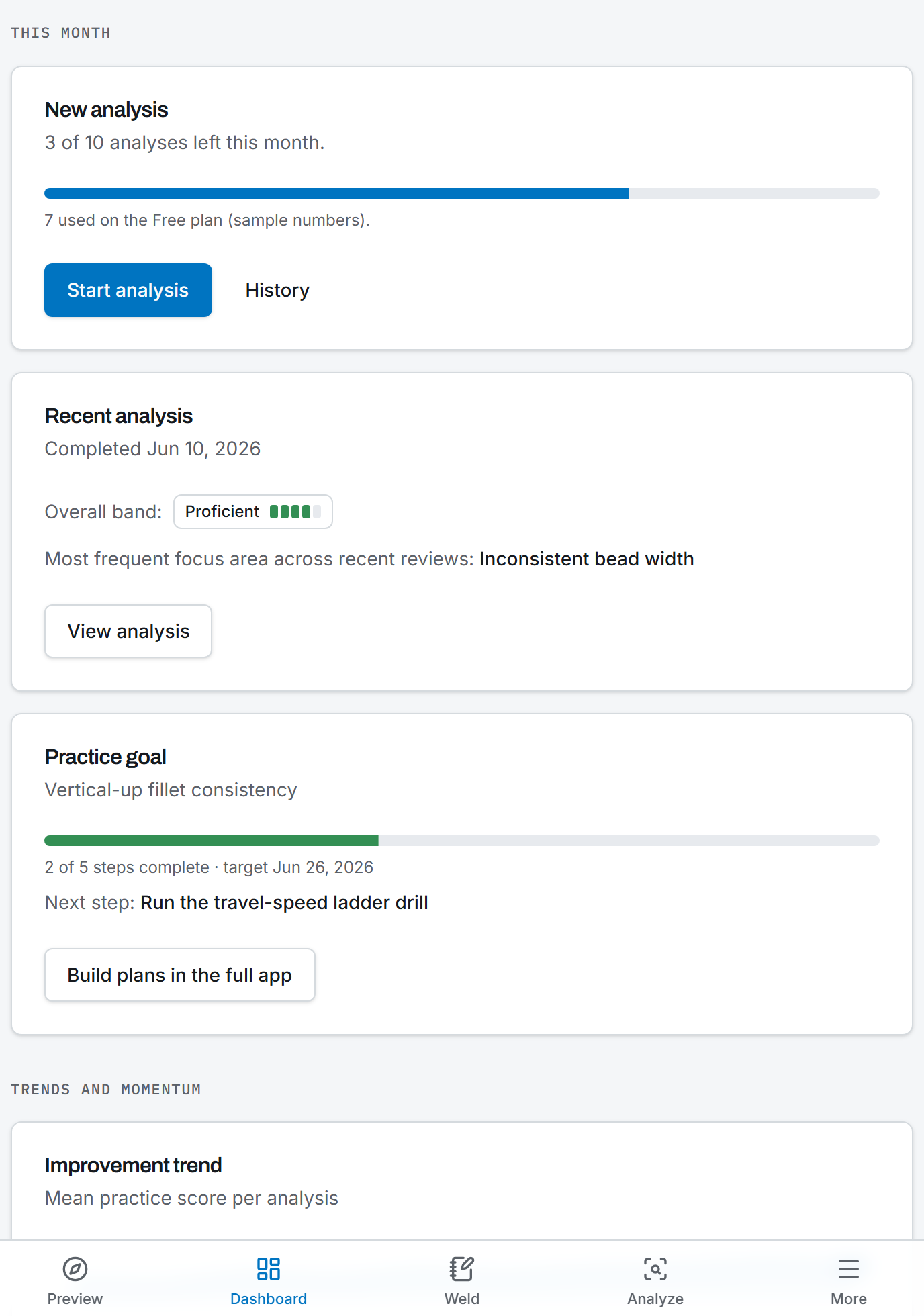
AI weld analysis
How AI weld analysis works
Four steps from photo to practice plan. Every result uses cautious language, explicit confidence levels, and a fixed educational disclaimer.
Upload a photo
Photograph your practice weld with guided framing and lighting tips, straight from your phone in the shop.
Details improve feedback
Add process, joint, position, material, and settings. The more context you give, the more specific the feedback gets.
Structured educational result
Strengths, possible concerns with confidence levels, and a practice score in seven categories — in cautious, honest language.
Targeted practice drill
Every result suggests a drill aimed at your weakest category, so the next session has a purpose.
Straight talk
AI feedback is educational — it does not replace inspection
A photograph shows a surface. Real weld quality lives in places no camera reaches. We built ArcForge to be useful precisely because it is honest about that line.
What the AI can do
- Describe visible bead characteristics: width consistency, ripple, toe transition, spatter
- Flag possible surface concerns with an explicit confidence level
- Score your practice in descriptive bands across seven categories
- Suggest drills and lessons matched to what it observed
What it will never claim
- Confirm code compliance or official acceptance
- Confirm penetration, internal fusion, or structural safety
- Replace an instructor, a CWI, or destructive/NDT testing
- Grant or predict any certification or qualification
Educational guidance only
AI-assisted visual feedback is educational guidance only and is not always accurate. A photograph cannot confirm code compliance, structural integrity, internal fusion, penetration, or test results, and it is no substitute for hands-on inspection. Have a qualified instructor or inspector evaluate any weld that matters.
Read the full AI analysis disclaimer.
Beyond the booth
Study, track, and teach in one place
Certification study
Seven concept-level prep tracks covering performance qualification, structural and pipeline concepts, symbols, and inspection — independent study content with honest non-affiliation disclaimers.
Progress you can see
Practice-score trends, streaks, quiz results, and side-by-side analysis comparison turn scattered booth sessions into a visible record of improvement.
Built for instructors & schools
Classes, assignments, submission review with AI context, practice plans, and school-level seats, usage, and reporting — the AI assists, the instructor decides.
For welders, shops & employers
A searchable weld log, qualification tracking with expiration countdowns, and an honest second look at practice welds for working welders — plus a shop workspace where employers track apprentices, sign off practical work, and verify skills (opt-in, privacy-first). ArcForge verifies nothing itself; employers do.
How a typical week could look
A second-semester student is fighting undercut on horizontal fillets. Monday, she works through the toe-transition lesson and sets “smoother upper toe” as her objective. Tuesday in the booth, she runs six practice plates, photographs the best and worst, and submits both with her machine settings.
The analysis flags possible undercut at moderate confidence on one plate, scores her toe transition as Developing, and suggests a work-angle drill. Thursday, she runs the drill, re-shoots, and compares the two analyses side by side — the trend line moves. Friday, her instructor reviews the submitted results and settings history and confirms what the findings suggested, in person, at the bench.
Illustrative scenario — not a customer story
Get started
Your next bead can teach you something
Run a couple of AI analyses a day and explore the intro learning modules on the free plan — no card required.
AI feedback is educational guidance only and does not replace qualified inspection.